![VannDigital.com (2022) [Light Banner-Viral Pro]](https://www.vanndigital.com/wp-content/uploads/vanndigitalcom-2022-light-banner-viral-pro.png)
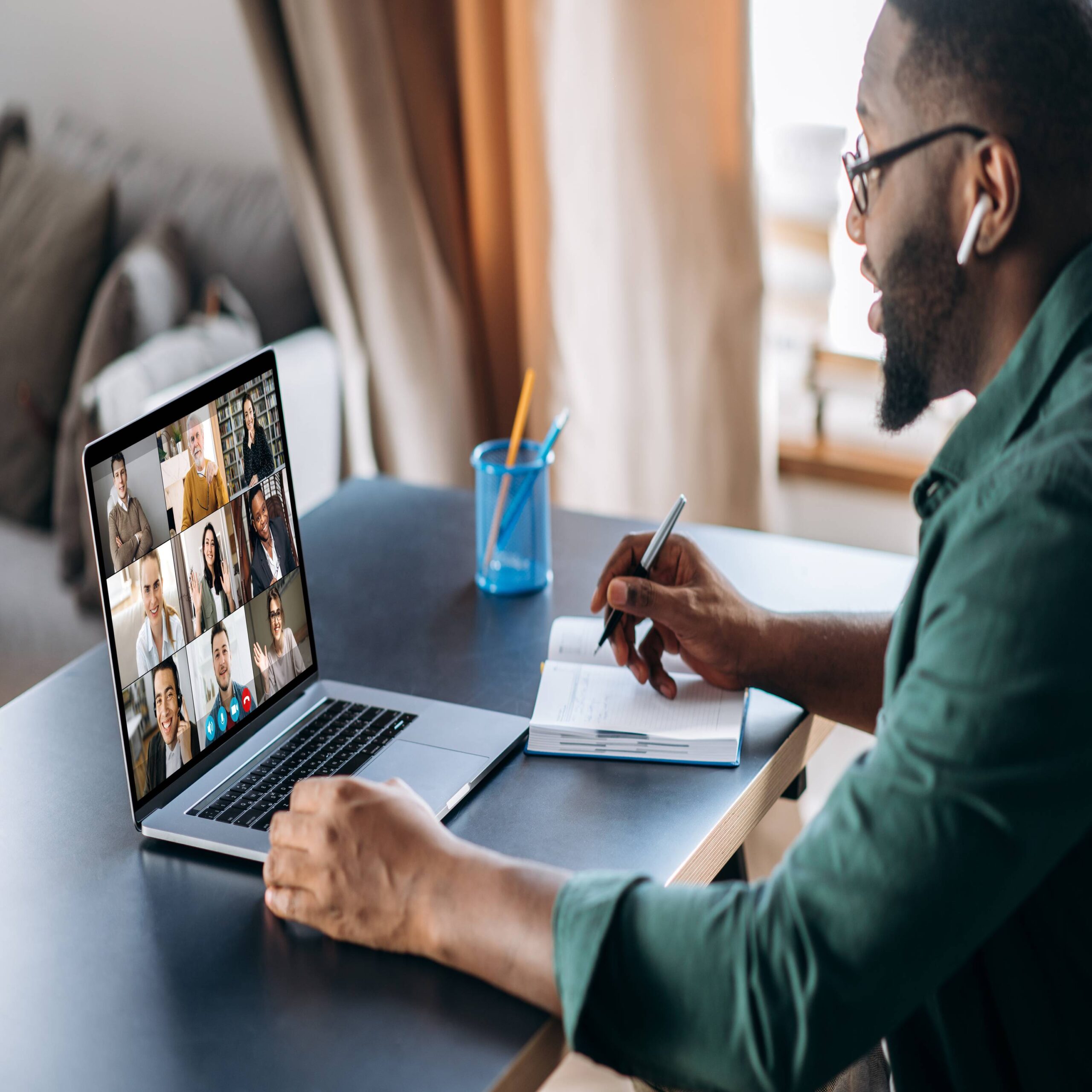
Remote work has evolved far past the days of makeshift desks and kitchen table setups. By now, you likely have a routine, but maintaining the status quo rarely leads to career advancement. 2026 demands a smarter, more aggressive approach to your environment.
Competition remains fierce, and your output directly correlates with your workspace efficiency. Optimizing your surroundings is a strategic career move that pays dividends in focus and output. It’s time to enhance your remote work setup in 2026 with our favorite productivity tips.
Leverage Next-Gen Ergonomics
Your body takes a beating from sedentary work. While standing desks became popular a decade ago, 2026 brings smarter integration. Invest in furniture that supports active sitting. Smart chairs now adjust automatically to your spine’s curvature, and under-desk treadmills have become quieter and more compact.
These tools keep blood flowing and energy levels high throughout the day. You cannot produce elite work if you battle back pain or fatigue by 2 PM. Prioritize physical health to maintain mental acuity.
Optimize Your Connectivity and Tech
Latency kills momentum. Make sure your router handles the bandwidth load of 4K video calls and large file transfers simultaneously. Upgrading to Wi-Fi 7 or hardwiring your connection ensures stability.
Beyond internet speed, assess your peripherals. A high-quality, noise-canceling microphone isolates your voice from household chaos. Clear audio commands respect during virtual negotiations. Visuals also matter; 4K webcams are now the standard for executive presence.
Master the Digital Ecosystem
Physical tools matter, but software governs your actual workflow. Use AI assistants to handle scheduling and email triage. When you create a professional work-from-home setup, the software ecosystem must integrate seamlessly with your hardware to reduce friction.
Automate repetitive tasks to reclaim hours for deep work. Using a stream deck or similar macro pad allows you to launch apps, mute your mic, or switch scenes with a single button press. This reduces the cognitive load of navigating menus and keeps you in the flow state.
Control Your Visual Environment
Lighting affects your mood and your video quality. Bad lighting strains eyes and looks amateurish on camera. Position your desk near natural light but supplement with adjustable LED panels.
You need control over color temperature and brightness. Cool light boosts focus during crunch time, while warm light helps you wind down during administrative tasks.
Consider these environmental upgrades for immediate impact:
- Ultra-Wide Monitor: Replaces dual screens for a seamless visual field without the bezel gap.
- Mechanical Keyboard: Provides tactile feedback for faster, more accurate typing.
- Cable Sleeves: Eliminates visual clutter, which maintains a sharper, less distracted mind.
- Acoustic Panels: Dampens echo in the room for crisp audio and a studio-like feel.
The landscape of work changes annually. Staying stagnant allows competitors to pass you. Specific upgrades pay dividends in focus and professional capability. Review your current station today and identify one bottleneck to fix immediately.
Treat your office as an asset that requires regular maintenance and upgrades. Use these productivity tips to make 2026 the year you finally enhance your remote work setup.